Why 2FA is Essential for Crypto Security
Imagine waking up to find your entire crypto portfolio gone. Not because you sold it. Not because the market crashed. But because someone else logged in and drained your wallet in under five minutes. That’s not a horror story. It’s what happens when you skip 2FA-and it happens more often than you think.
Cryptocurrency isn’t like bank money. If you lose your password to your bank account, the bank can reset it. If someone steals your cash, they can reverse the transaction. Crypto doesn’t work that way. Once a transaction is on the blockchain, it’s final. No refunds. No chargebacks. No customer service to save you. That’s why 2FA isn’t just a good idea-it’s the bare minimum for staying safe.
What 2FA Actually Does for Your Crypto
Two-Factor Authentication (2FA) adds a second step to logging in. Instead of just typing your password, you also need something only you have-a code from your phone, a physical key, or your fingerprint. Even if a hacker guesses your password, they still can’t get in without that second piece.
This isn’t theoretical. In 2014, Mt. Gox lost 850,000 BTC because of weak security. Since then, exchanges have been forced to upgrade. Today, every major platform-Coinbase, Binance, Kraken, Bitstamp-requires or strongly pushes users to enable 2FA. Why? Because accounts without it are 99.2% more likely to get hacked, according to Bitstamp’s own security data.
The Three Types of 2FA-and Which One to Use
Not all 2FA is created equal. There are three main types, and your choice makes a huge difference in how safe you are.
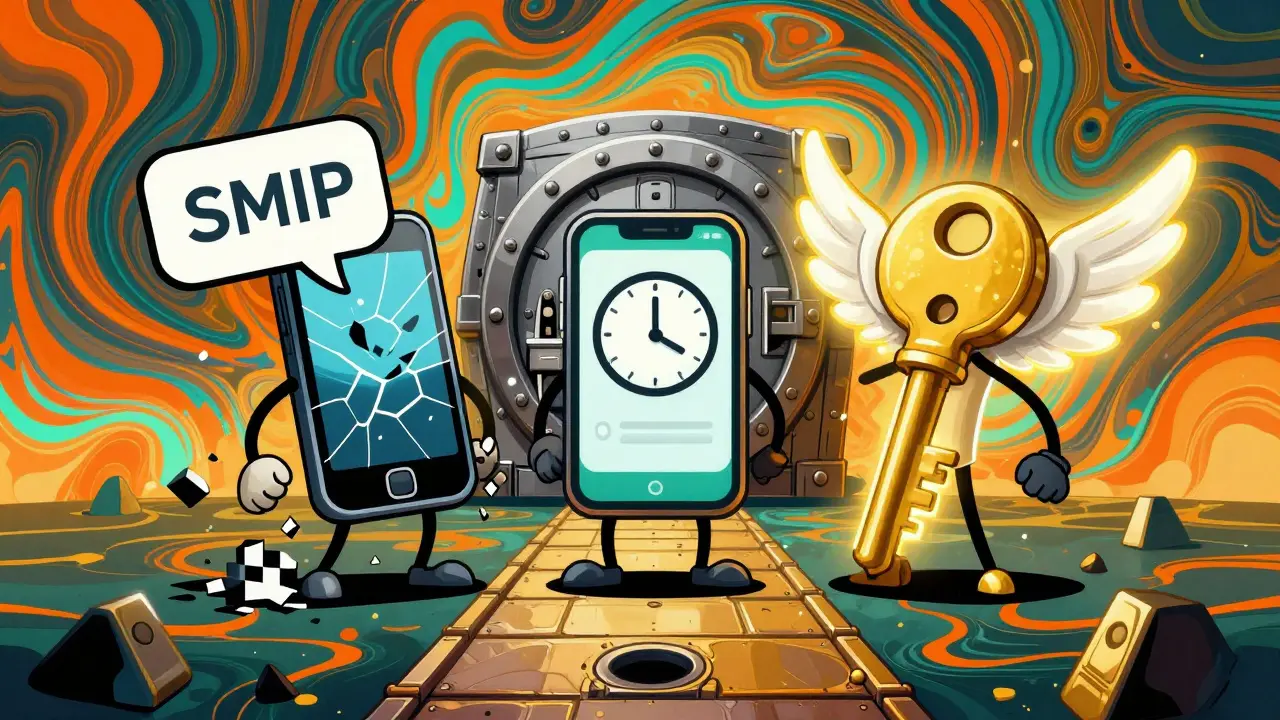
- SMS-based 2FA: You get a code via text. Easy to set up, but dangerously weak. Hackers can trick your phone carrier into giving them control of your number (called SIM swapping). The FBI recorded over 2,300 crypto-related SIM-swap attacks in 2023 alone, costing victims $74 million.
- Authenticator apps: Apps like Google Authenticator, Authy, or Microsoft Authenticator generate time-based codes that change every 30 seconds. These are far more secure. Coinbase says they block 98.7% of account takeovers. They don’t rely on your phone number, so SIM swaps won’t work. This is the sweet spot for most users-strong, simple, and free.
- Hardware tokens: Devices like YubiKey or Ledger Nano act like digital keys. You plug them in or tap them to log in. These are the gold standard. Yubico reports they stop 100% of remote phishing attacks. Kraken’s security team has never seen a breach on an account using a hardware token. The downside? You have to carry the device. If you lose it, recovery is harder.
For anyone holding more than a few hundred dollars in crypto, skip SMS. Use an authenticator app. If you’re holding thousands-or managing a portfolio professionally-get a hardware key. It’s worth the $50-$70 investment.
Why People Skip 2FA (And Why They Regret It)
Some users avoid 2FA because it feels like a hassle. Setting up an app takes two minutes. Writing down recovery codes feels awkward. Losing your phone means being locked out.
But the real cost isn’t time-it’s money. On Reddit, threads like “Lost $15k because I didn’t enable 2FA” get over a thousand upvotes. Users share stories of waking up to empty wallets after their passwords were stolen in a data breach. One user on Binance’s forum said his account was drained in eight minutes after his password was cracked. He didn’t have 2FA. He lost everything.
Even worse, 18.7% of account recovery requests on Coinbase come from people who lost access to their second factor. That’s nearly one in five. So yes, 2FA can lock you out-if you don’t back up your recovery codes.
How to Set Up 2FA Right (And Not Get Locked Out)
Setting up 2FA isn’t hard. Here’s how to do it safely:
- Use an authenticator app-never SMS-for any account with crypto.
- When you enable it, you’ll get a set of 10 one-time recovery codes. Write them down. On paper. Not in a note on your phone.
- Store copies in two separate places: one at home, one with a trusted family member. Don’t email them. Don’t save them in the cloud.
- If you use Authy, turn on cloud backup with a password. It syncs your codes across devices securely.
- Never use the same 2FA app for all your accounts. If one gets compromised, you lose everything.
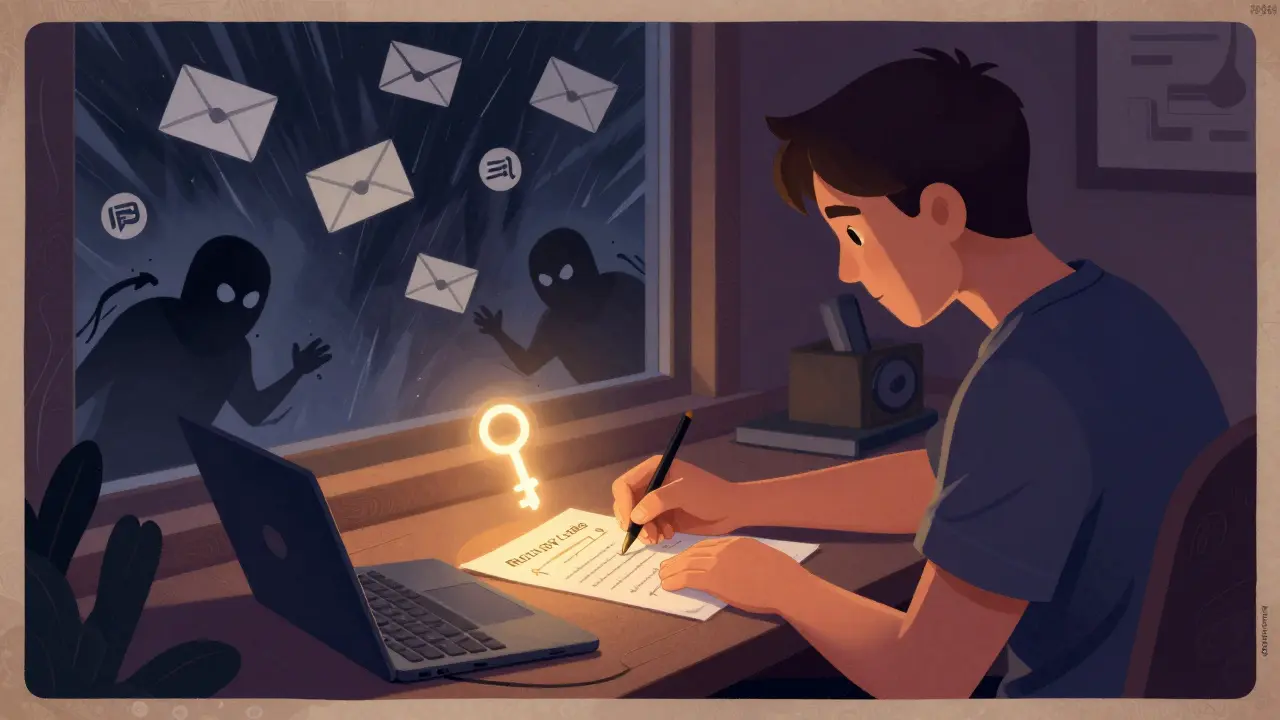
And here’s the biggest mistake people make: they assume their strong password is enough. It’s not. Passwords get leaked. Phishing sites trick you. Keyloggers steal them. 2FA is the safety net when all else fails.
What the Experts Say-and Why They’re Insistent
Dr. Ari Juels, Chief Scientist at Chainlink Labs, says 2FA is the “minimum viable security posture” for crypto. The European Banking Authority now legally requires it for all exchanges operating in the EU. Coinbase’s CISO, Emma Hildyard, put it bluntly: “For cryptocurrency, 2FA isn’t just recommended-it’s non-negotiable.”
Why? Because there’s no undo button. No bank to call. No insurance to file. If your wallet is empty, you’re out of luck.
Even researchers who warn about 2FA’s limits agree it’s still the best tool we have. Dr. Steven Murdoch from University College London says advanced phishing tools can trick app-based 2FA-but only if you’re careless. The fix? Don’t click suspicious links. Don’t enter your 2FA code on any site except the official one. 2FA isn’t magic. It’s a layer. You need others too.
The Bigger Picture: Why 2FA Is Now Standard
In 2020, only 58% of crypto users had 2FA enabled. By 2024, that number jumped to 89%. Why? Because the losses got too big. Exchanges without strong 2FA lost users faster. Bitstamp found their churn rate was 3.2 times higher when 2FA wasn’t enforced.
Regulations are catching up too. 57 countries now legally require 2FA for crypto platforms. The EU’s MiCA law, effective December 2024, will make it mandatory across the bloc. Even institutional players-hedge funds, custodians, asset managers-require hardware 2FA for accounts over $100,000.
And the market is responding. The global crypto 2FA security market hit $1.2 billion in 2023. That’s not because people are buying fancy gadgets. It’s because they’re realizing: if you’re holding crypto, you’re responsible for your own security.
What’s Next? Passkeys and Beyond
Some platforms are moving past traditional 2FA. Coinbase started rolling out passkeys in April 2024. These use FIDO2/WebAuthn standards-think Face ID or Windows Hello-to replace passwords and codes entirely. Early data shows a 43% drop in recovery requests. That’s huge.
But even passkeys rely on the same principle: something you have (your phone or device) plus something you are (your face or fingerprint). It’s still two factors. Just smoother.
Quantum computing might break today’s encryption in 10-15 years. But that’s a future problem. Right now, the biggest threat is lazy users who think their password is enough.
Bottom Line: Enable 2FA Today
You don’t need to be a tech expert. You don’t need to buy a hardware key. Just do this:
- Go to every crypto exchange and wallet you use.
- Turn on 2FA using an authenticator app.
- Write down your recovery codes. On paper. In two places.
- Never use SMS.
That’s it. In less than five minutes, you go from being an easy target to one of the most secure users on the network. No one will ever thank you for it. But if someone tries to steal your crypto, you’ll be the one still holding it.
Is SMS 2FA safe for crypto?
No. SMS 2FA is the weakest option. Hackers can take over your phone number through SIM swapping, which has increased 1,100% since 2018. Over 2,300 crypto-related SIM-swap attacks happened in 2023 alone. Always use an authenticator app or hardware token instead.
What happens if I lose my phone and my 2FA codes?
If you saved your recovery codes (and you should have), you can use them to restore access. If you didn’t, you’ll likely lose your account permanently. That’s why writing down codes on paper and storing them securely is non-negotiable. Don’t rely on cloud backups alone.
Do I need a hardware token like YubiKey?
Only if you’re holding large amounts-$10,000 or more-or managing funds for others. For most users, an authenticator app is sufficient. Hardware tokens add the highest security but require physical access and carry a small risk of loss or damage.
Can 2FA be hacked?
Yes, but it’s hard. Sophisticated phishing tools like Evilginx 3.0 can trick users into giving up their 2FA codes in real time. That’s why you should never enter codes on websites you didn’t type yourself. Always double-check the URL. 2FA isn’t foolproof-but it makes attacks 99% harder.
Which authenticator app should I use?
Authy is the best choice for most users because it lets you back up your codes across devices with a password. Google Authenticator is secure but doesn’t sync-if you lose your phone, you lose access. Microsoft Authenticator works well too. Avoid apps that don’t let you export or backup codes.
Lori Quarles
January 29, 2026 AT 01:25Bro seriously if you're not using 2FA you're basically leaving your front door wide open and putting a sign that says 'steal me' on your wallet. I've seen people lose six figures because they thought 'it won't happen to me' - guess what? It does. Get the app. Write the codes down. Done.
Jeremy Dayde
January 29, 2026 AT 10:41I used to think 2FA was just another annoying step until my buddy got his Binance account drained after a phishing link clicked on his phone he didn't even realize he'd been scammed until he woke up and his entire portfolio was gone like vaporized and he had no recovery codes and no 2FA and now he's working two jobs to try and get back to even and honestly I just want people to stop being lazy because this stuff is free and easy and if you're holding crypto you're already a investor so act like one
Steven Dilla
January 30, 2026 AT 23:10OMG YES 🙌 I just got SIM swapped last year 😭 lost $8k in 4 minutes because I used SMS. Now I use Authy + paper codes. Hardware key next. Don't be that guy. Your future self will thank you. Or cry. Probably cry.
Akhil Mathew
February 1, 2026 AT 08:36Interesting how many people still think passwords are enough. I work in fintech in India and we see this daily - users ignore security until they lose everything. The real issue isn't tech, it's mindset. 2FA isn't a feature, it's a habit. Start small, use an app, write down codes, and treat them like your passport. No excuses.
Aaron Poole
February 3, 2026 AT 04:18One thing people forget: 2FA doesn't protect you from everything, but it blocks 99% of automated attacks. The real danger is targeted phishing - like fake login pages that grab your code in real time. That’s why you MUST double-check URLs. Bookmark your exchanges. Never click links from DMs or emails. And if you're using Authy, turn on encrypted cloud backup. It's a lifesaver if you switch phones.
Nickole Fennell
February 4, 2026 AT 00:21EVERYONE needs to read this. I can't believe how many people are still using SMS. Are you kidding me? You're literally begging to be robbed. I had a cousin lose $20k because she 'forgot' to set up 2FA. She said 'I didn't think it mattered.' WELL NOW IT DOES. 🤦♀️
Edward Drawde
February 4, 2026 AT 22:232fa is just a scam to make you feel safe. hackers still get in. why not just use a hardware wallet and forget all this?
Gustavo Gonzalez
February 6, 2026 AT 09:20Wow. So you're telling me the solution to a problem caused by lazy users is... more steps? Brilliant. Meanwhile, 89% of users have 2FA enabled and yet hacks are still happening. The real problem is centralized exchanges. Why are you putting your keys on someone else's server? 2FA is a bandaid on a gunshot wound. You're all missing the point.
Mark Ganim
February 6, 2026 AT 20:57Think about it: in a world where your identity, your wealth, your future - all exist as digital tokens on a ledger no one owns - isn't it poetic that the only thing standing between you and ruin is a 6-digit code? A tiny, fleeting, human-generated number… that’s all. The fragility of it all… it’s beautiful. And terrifying. And yet… we still ignore it. Why? Because we fear inconvenience more than oblivion.
mary irons
February 7, 2026 AT 11:412FA is a government trap. They want you to use apps that sync with your phone… which means they can track you. Hardware keys? Still monitored. The only real security is cold storage + no internet + no devices. And even then… who says they aren't watching the blockchain? We're all just pawns in a system designed to make us feel safe while they collect our data.
Wayne mutunga
February 9, 2026 AT 05:47I enabled 2FA last week after reading this. Took me 3 minutes. Wrote down the codes on a sticky note and put it in my wallet. Feels good. Not gonna lie - I was nervous about losing access but now I know what to do. Simple wins.
Gavin Francis
February 10, 2026 AT 00:27Just did it! Authy + paper backup. Done. 💪 If you're reading this and haven't done it yet - go do it now. I'll wait. Seriously. Your future self will high-five you. 🙌
Brandon Vaidyanathan
February 10, 2026 AT 10:07Wow. So you're telling me people still use SMS? Are you serious? I'm not even mad, I'm just disappointed. You're not a crypto investor - you're a liability. If you're holding more than $100, you owe it to the community to not be the weak link. Get a hardware key. Or at least stop being an idiot.
Gareth Fitzjohn
February 11, 2026 AT 20:22Good overview. The stats on SIM swaps are alarming. I’d add that even authenticator apps can be risky if your phone is compromised. Best practice: use a secondary device just for 2FA. Not your main phone. Simple, cheap, effective.
Dylan Morrison
February 12, 2026 AT 12:022FA is like wearing a seatbelt. You don’t need it until you crash. Then you’re glad you did. 🚗💨 I used to think it was extra… now I feel naked without it. Authy + paper. Done. No drama.
William Hanson
February 13, 2026 AT 01:45Why are you even here if you need a guide to enable 2FA? Just sell your crypto and go play Fortnite. You’re not cut out for this.
Tom Sheppard
February 13, 2026 AT 20:38Man I used to be lazy too… then I lost my laptop with my wallet on it. Had recovery codes saved in a cloud note. 🤦♂️ Lesson learned: paper only. Now I keep one copy in my drawer and one with my mom. She’s not techy but she knows not to touch it. Best $50 I ever spent on a YubiKey. No regrets. 🙏